
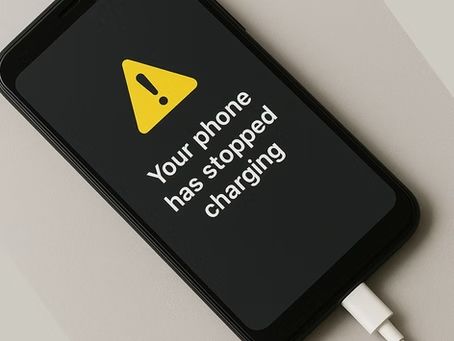
What's the Best Way to Charge Your Battery?

DevicePro - Phone & Tablet Specialist • June 29, 2024

Everyone has their own theory on the best practices of charging your laptop, smartphone or tablet.

MYTH OR FACT?

But the biggest myth still getting around, is to charge to 100% and letting it drain all the way to 0%, before charging it again.

Believe it or not, this ages the battery quicker.

So what can you do instead?🤷‍

Firstly, lets de-bust the myth above, that these batteries contain a 'memory' and by fully discharging the battery and charging to 100% will retain the full capacity of the charging cells. 

What is Best for Your Phone Battery?

Our devices all use Lithium-Ion batteries and they operate best by staying charged between 20-80% and ideally at 50%, and staying around 25°C while avoiding extreme hot and cold temperatures.

By keeping your device plugged in, fully charged in high temperatures is the quickest way to shorten the life of your battery.

And when your battery drops below 20%, it uses more energy to charge, gets hotter quicker and ages faster.

So Partial Charging suits the battery. Just a quick charge here and there, will prolong its life.

MORE QUICK TIPS

  • Avoid Fast Charging wherever possible
  • Avoid extreme cold and extreme heat
  • Avoid overnight charging
  • Avoid watching videos/ gaming while charging
  • Lower your screen brightness
  • Shorten your Auto-Lock timer (screen saver)
  • Keep software up to date for improved efficiency


If you don't follow any of these tips, it will not destroy your phone or tablet. But it will make you fork out for a new battery more often. And as the modern smartphone has made it more difficult to replace batteries, you will probably have to pay someone to do it.


For more information or advice, I'd be only too happy to help, call DevicePro - Phone & Tablet Specialist on 07 4882 3113

Black Phone Displaying — DevicePro - Phone & Tablet Specialist In Cannonvale, QLD
By DevicePro - Phone & Tablet Specialist November 15, 2025
Do-It-Yourself troubleshooting flowchart - at home - if your phone has stopped charging.

Device Pro Signage, and An Open Sign on Lawn — DevicePro - Phone & Tablet Specialist In Cannonvale, QLD
By DevicePro - Phone & Tablet Specialist May 11, 2025
DevicePro - Phone & Tablet Specialist is located at 1/3 Carlo Drive, Cannonvale.

Advertisement for Device Pro — DevicePro - Phone & Tablet Specialist In Cannonvale, QLD
By DevicePro - Phone & Tablet Specialist May 11, 2025
Trying to Figure out How to do Something on Your Phone?
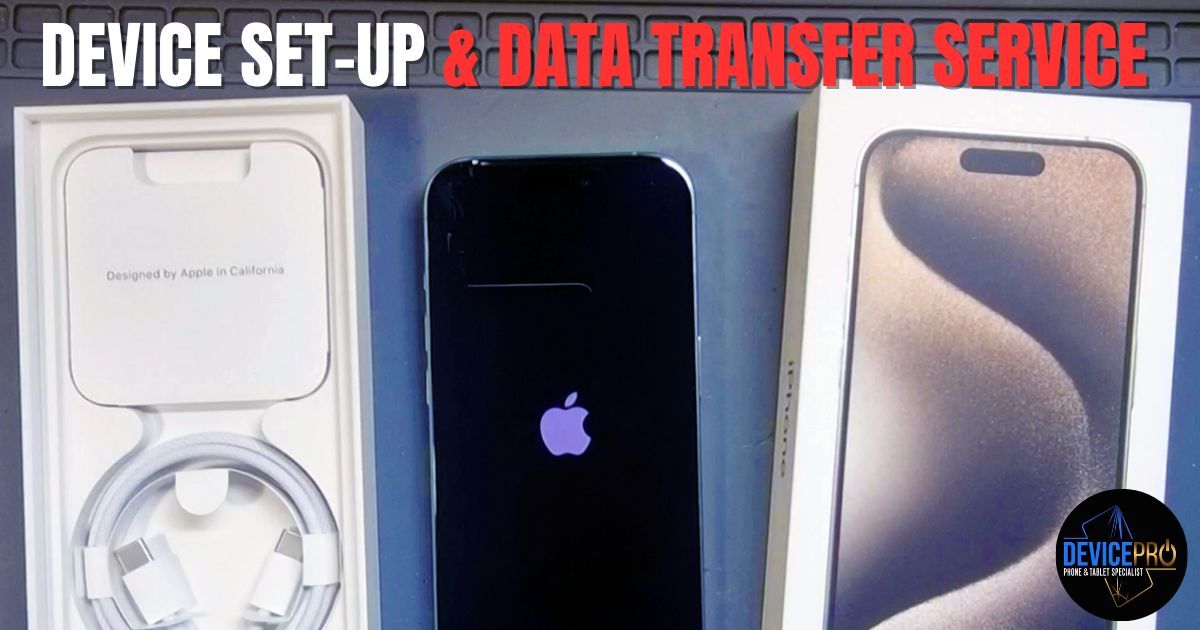
An I Phone Setup with A Box — DevicePro - Phone & Tablet Specialist In Cannonvale, QLD
By DevicePro - Phone & Tablet Specialist May 11, 2025
We’ll Set It Up for You!
Device Pro Mobile Repair Shop with Phone Accessories — DevicePro - Phone & Tablet Specialist In Proserpine, QLD
By DevicePro - Phone & Tablet Specialist May 11, 2025
📱 FREE Local Phone Repair Drop-Off for Proserpine Locals!
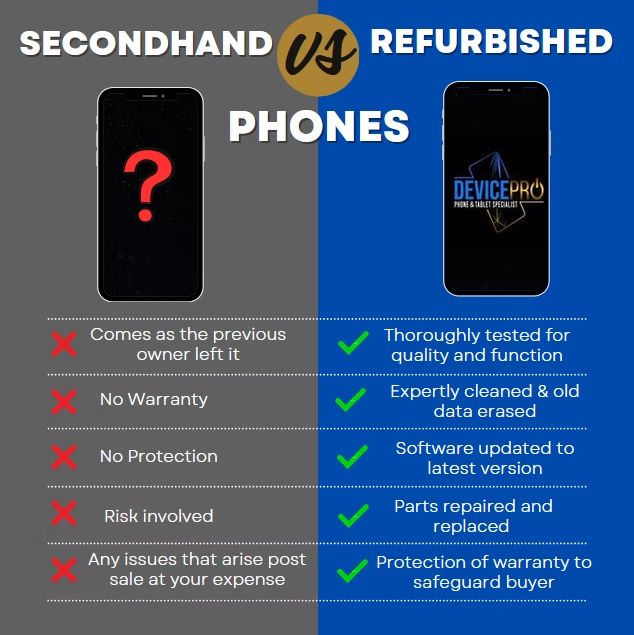
Comparison of Secondhand vs. Refurbished Phones — DevicePro - Phone & Tablet Specialist In Cannonvale, QLD
By DevicePro - Phone & Tablet Specialist May 11, 2025
SECONDHAND AND REFURBISHED DEVICES ARE NOT THE SAME THING.

Advertisement for Device Pro Offering Free Loan Phones — DevicePro - Phone & Tablet Specialist In Cannonvale, QLD
By DevicePro - Phone & Tablet Specialist May 11, 2025
Putting off getting your Phone Fixed because you can’t do without it?

Man Seated at A Workbench in A Repair Shop, Smiling — DevicePro - Phone & Tablet Specialist In Cannonvale, QLD
By DevicePro - Phone & Tablet Specialist May 11, 2025
Sick of Waiting on Hold? Talk to a Real Person Today!
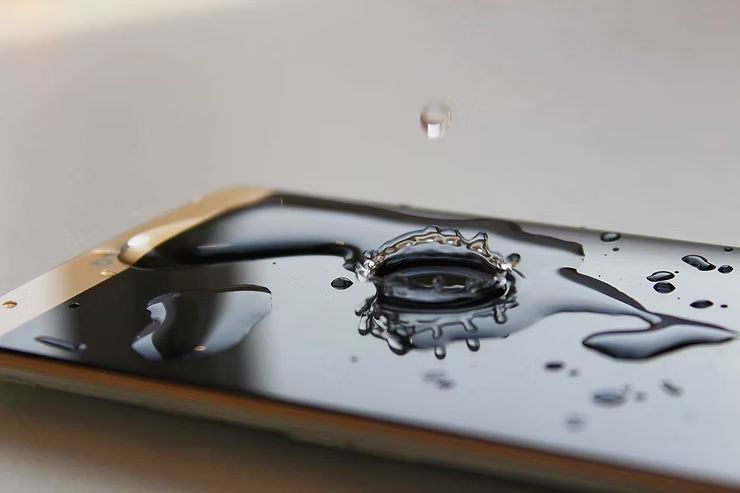
Water Droplet Hitting a Tablet, Creating a Splash — DevicePro - Phone & Tablet Specialist In Cannonvale, QLD
By DevicePro - Phone & Tablet Specialist May 10, 2025
So why do we get water damaged phones these days still?

Person Wearing a Guy Fawkes Mask and Hood — DevicePro - Phone & Tablet Specialist In Cannonvale, QLD
By DevicePro - Phone & Tablet Specialist February 16, 2025
Secure Your Facebook Account TODAY!
Show More